
Personal Finance
Depositing money into your Lockpesa account through M-Pesa Paybill is fast, convenient, and secure.
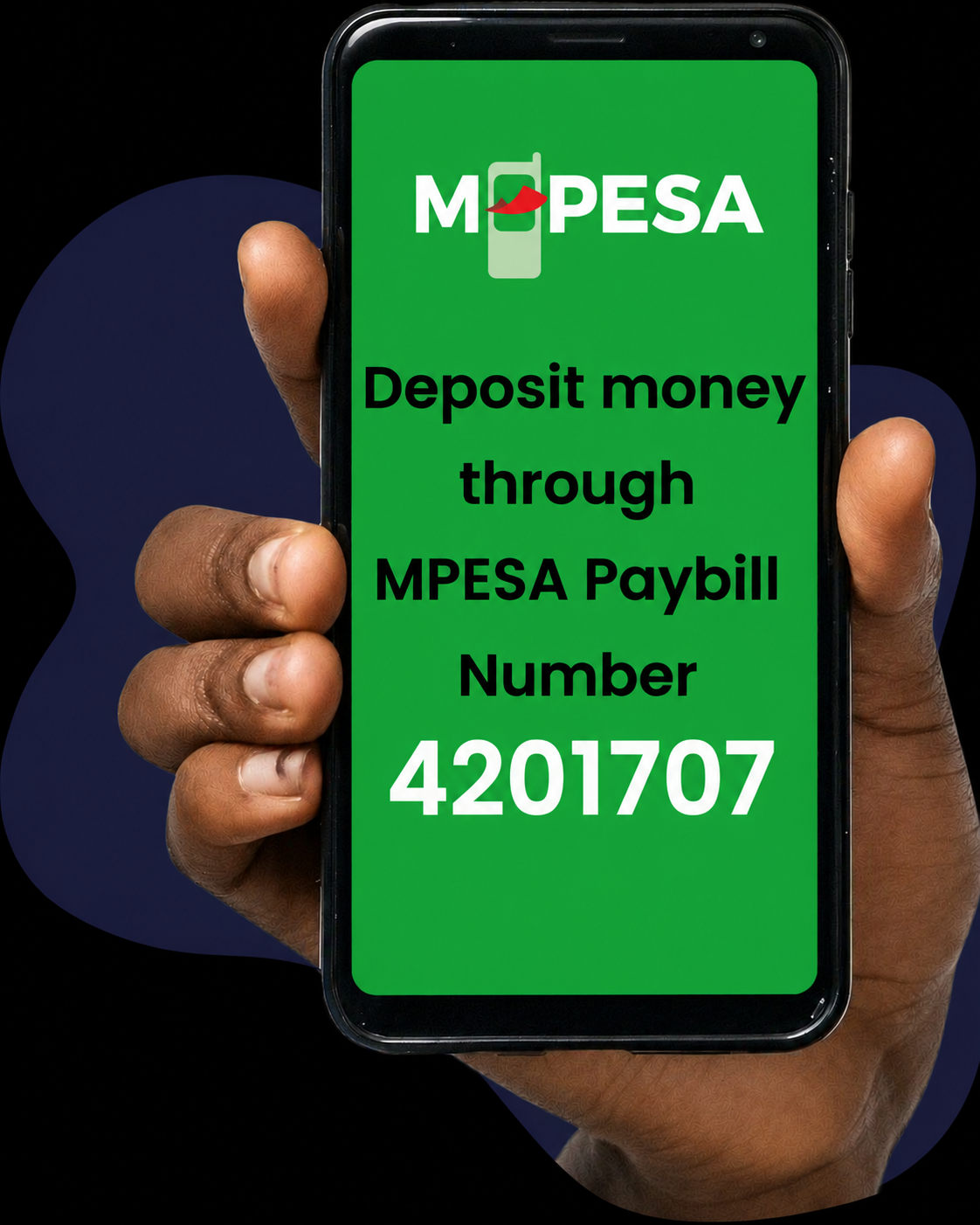
To deposit funds, open the M-Pesa menu on your phone and select Lipa na M-Pesa. Next, choose Pay Bill and enter the official Lockpesa Paybill number 4201707. Enter your Lockpesa account number, then input the amount you wish to deposit.
Carefully confirm all details before entering your M-Pesa PIN and completing the payment. Once the transaction is successful, you will receive a confirmation message from M-Pesa, and the funds will be reflected in your Lockpesa transaction account.